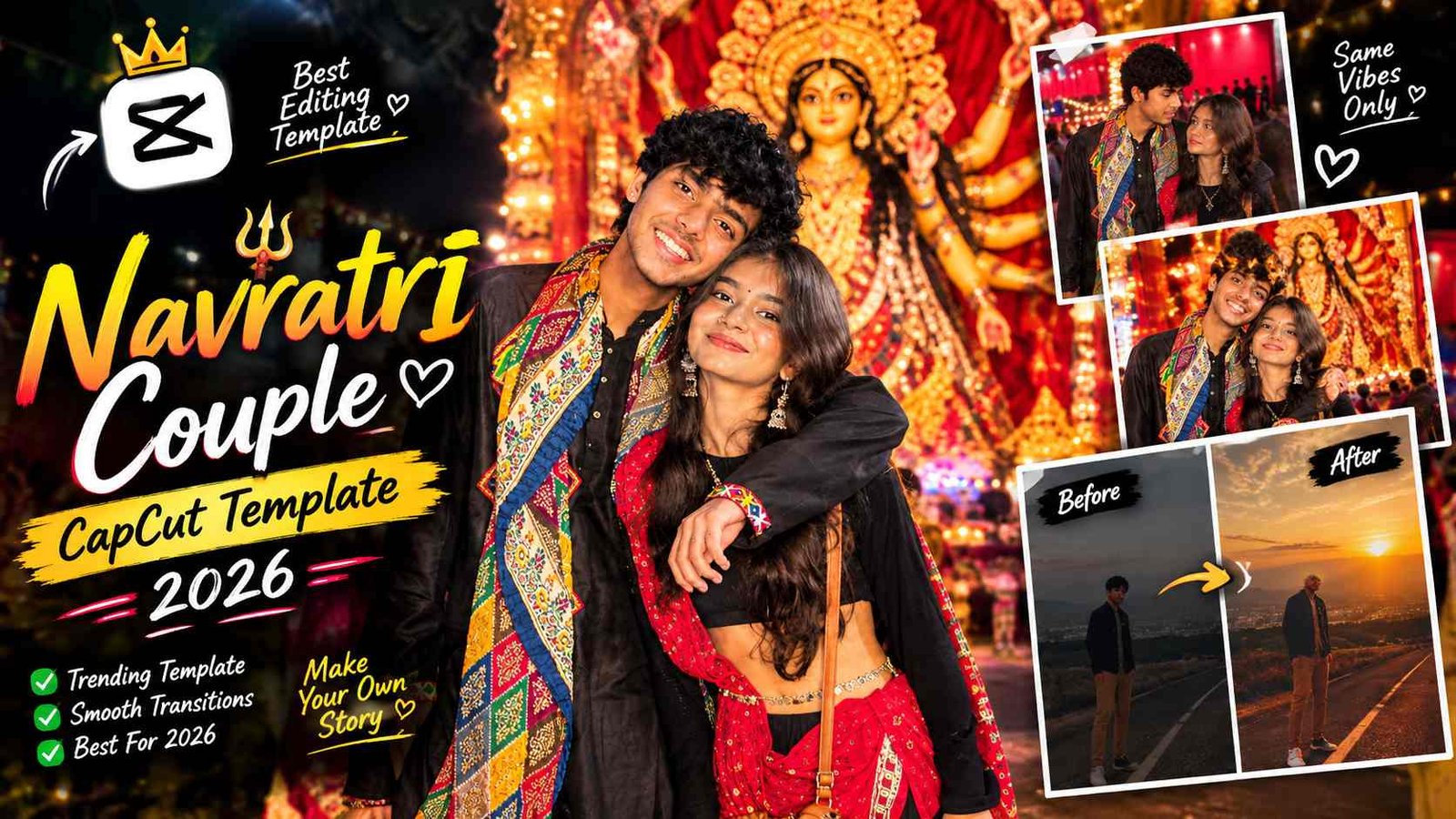
Romantic Navratri Couple Photo Prompt: Create Ultra-Realistic Festive AI Portraits
Navratri ka festive season aate hi har couple aur content creator apne social media par stunning, colorful aur culturally rich portraits share karna chahta hai. Traditionally, aisi cinematic photos capture karne ke liye expensive DSLR cameras, costly traditional outfits, elaborate indoor lighting setups aur professional retouching skills ki zaroorat padti thi. Lekin modern artificial intelligence ne photo editing aur content creation ka pura landscape badal kar rakh diya hai. Aaj aap simple text commands aur advanced generative AI tools ki madad se apne simple mobile photos ko bilkul realistic festival portraits mein transform kar sakte hain.
Is comprehensive guide mein hum detail mein discuss karenge ki kaise aap ek accurate romantic Navratri couple photo prompt ka use karke ChatGPT aur Google Gemini par cinematic visual masterpieces generate kar sakte hain. Agar aap beginner hain aur pehle kabhi AI image prompts ke saath kaam nahi kiya hai, toh step-by-step follow kijiye taaki aapki photo plastic ya fake animated jaisi na lage, balki genuine high-end DSLR portrait jaisi feel de.
The Core Concept: How AI Vision Models Handle Festive Couple Portraits
Generative AI models jaise ChatGPT (DALL-E 3 / GPT-4o Vision) aur Google Gemini (Imagen architecture) text prompts aur visual references ko integrate karne ke liye multi-layered understanding ka use karte hain. Jab aap ek simple command dete hain jaise “make a Navratri photo”, tab AI apne generic database se random animated avatars create kar deta hai jismein human anatomy, skin tone aur facial resemblance match nahi hoti.
Ek authentic romantic Navratri couple photo prompt likhte waqt model ko precise parameters dene padte hain:
- Identity Locking (Facial Consistency): Facial bone structure, nose bridge, jawline, eye distance aur natural skin texture ko reference image ke according hold karna.
- Textile & Material Definition: Gujarati mirror work, intricate resham thread embroidery, royal-blue silk dupatta, aur teal-blue raw silk kurta ki micro-textures ko explain karna.
- Depth of Field & Bokeh Optics: Fast f/1.8 lens emulation, warm ambient golden fairy lights, aur soft circular background blur ensure karna.
- Anatomical Integrity: Dandiya sticks pakadne ka grip, resting shoulder posture aur natural weight distribution define karna.
Step 1: Getting Your Base Prompt Ready
High-accuracy festive portrait create karne ke liye pehla step hai ek well-structured prompt copy karna.
Aapko hamari official website rayedits.in par visit karna hai. Website ke festive editing prompt section mein jakar aapko romantic Navratri couple photo prompt (ya trending festival prompt section) ko select karke copy kar lena hai. Website par prompt regular basis par testing ke baad update kiye jaate hain taaki AI updates ke saath exact results deliver ho sakein.
The Master AI Prompt for Realistic Navratri Couple Portrait
Neeche diya gaya master prompt copy karke aap directly apne AI tool mein input kar sakte hain:
Use the uploaded couple photograph as the sole and highest-priority identity reference for both individuals. Recreate the exact same man and woman from the uploaded photograph in this festive indoor setting. Preserve their recognizable facial identities, facial structure, skin tones, natural skin texture, hairstyles, and individual features with maximum accuracy. Do not replace, redesign, beautify, or alter their faces. Both individuals must look like the same real people in the reference photograph.
POSE & EXPRESSION A romantic South Asian couple posing back-to-back in a medium shot during a festive Navratri celebration. The woman gently rests her head on the man’s shoulder, wearing a soft, natural smile. The man stands confidently beside her with a warm, relaxed smile. Their body language feels intimate, comfortable, and authentic, like a candid professional festival photograph. Both hold beautifully decorated Dandiya sticks wrapped in intricate red, black, and gold patterns.
WOMAN’S OUTFIT & STYLING Dress the woman in a vibrant, heavily embroidered Gujarati lehenga choli featuring multicolored traditional patterns, intricate mirror work, delicate thread embroidery, and rich festive detailing. Add a matching royal-blue dupatta draped elegantly over her arm. The outfit should look authentic, luxurious, and naturally fitted, with realistic fabric folds and reflections from the mirror work. Preserve her original facial features, natural complexion, and recognizable appearance from the uploaded reference.
MAN’S OUTFIT & STYLING Dress the man in an elegant teal-blue silk kurta with subtle silver embroidery along the Mandarin collar and a refined traditional finish. The silk fabric should have a natural sheen, realistic folds, and fine textile details. Preserve his original hairstyle, beard, facial proportions, skin tone, and recognizable identity exactly as shown in the uploaded reference photograph.
BACKGROUND & FESTIVE ATMOSPHERE Create a beautiful indoor Navratri-inspired setting with warm, colorful fairy lights softly draped across the wall. Include a traditional diamond-shaped decorative wall hanging with intricate Indian ethnic detailing. Use a softly blurred background with golden, amber, and multicolored bokeh lights to create a cozy, romantic, celebratory atmosphere.
LIGHTING & PHOTOGRAPHY Professional DSLR photography, medium shot, eye-level camera angle, natural skin texture, realistic facial details, soft cinematic lighting, gentle highlights, balanced shadows, authentic colors, shallow depth of field, and beautifully rendered background bokeh. Maintain accurate anatomy, realistic hands, naturally positioned Dandiya sticks, and detailed traditional clothing. The final image must look like a genuine photograph captured by a professional photographer, not an AI-generated image.
IDENTITY PRESERVATION — ABSOLUTE PRIORITY The uploaded photograph must remain the definitive reference for both people’s identities. Keep both faces consistent with the original image, including their facial structure, eyes, nose, lips, jawline, complexion, and natural expressions. Only change the outfits, pose, props, and background as described. Do not invent new facial features or turn them into different people.
FINAL OUTPUT: Ultra-photorealistic, high-resolution 4K image, vertical 4:5 composition, romantic Gujarati Navratri aesthetic, realistic DSLR quality, natural expressions, intricate embroidery, and premium cinematic color grading.
Step 2: Generating the Image in ChatGPT (Step-by-Step Guide)
ChatGPT Plus ya free tier mein GPT-4o multimodal vision capabilities provide karta hai. Is tool mein high facial consistency pane ke steps ye hain:
- Access ChatGPT Workspace: Apne browser ya official smartphone application par ChatGPT open karein.
- Upload High-Resolution Reference Photo: Chat bar ke bottom left mein ‘+’ (Attachment) button par tap karein. Ek aisi original photograph upload karein jismein aap dono (man aur woman) clear daylight ya bright room light mein ho, faces par koi heavy filter ya blur na ho.
- Insert the Copied Prompt: Hamari official website rayedits.in se copy kiya gaya prompt exact paste karein.
- Execute the Generation Command: Send icon par tap karein. ChatGPT uploaded image ke facial features aur lighting vectors ko read karega aur prompt ke styling rules ke mutabiq new 4K festive portrait render karega.
- Quality Review & Download: Output image ko open karke fingers, eyes aur fabric details zoom karke inspect karein, fir top-right download icon se direct original quality mein save karein.
Step 3: Generating the Image in Google Gemini (Step-by-Step Guide)
Google Gemini ka visual generation pipeline Indian skin tones, authentic ambient lighting aur festive environment detailing mein exceptional performance deta hai:
- Launch Google Gemini Platform: Web browser par gemini.google.com open karein ya Gemini mobile app par navigate karein.
- Select Multi-Modal Input: Prompt box ke andar image icon par click karein aur apna base high-definition couple photo select karein.
- Feed the Structured Command: Image attach hone ke baad copied master prompt ko paste karein.
- Trigger Imagen Engine: Submit command press karein. Gemini image ke underlying proportions ko process karega aur accurate ethnic garment folds, Dandiya grip alignment aur soft warm fairy lights inject karega.
- Save the Result: Final generated image par tap karein, visual authenticity verify karein aur “Full Resolution” format mein download karein.
Key Elements That Make a Festive AI Image Look 100% Real
Agar aap chahte hain ki viewers aapki AI generated image ko real photoshoot samjhein, toh prompt engineering ke dauran in technical pillars par focus karna zaroori hai:
- Accurate Hand Anatomy: AI models aksar extra fingers ya distorted grips render kar dete hain. Prompt mein explicitly “naturally positioned Dandiya sticks” aur “anatomically precise hands” specify karne se fingers natural way mein sticks hold karti hain.
- Specular Reflection on Mirror Work: Authentic Gujarati choli mein real tiny glass pieces hote hain. Prompt ke andar “realistic fabric folds and reflections from the mirror work” add karne se artificial painted look remove ho jata hai.
- Natural Skin Texture over Airbrushed Skin: AI models default setup par skin ko wax doll jaisa smooth bana dete hain. Prompt ke terms jaise “natural skin texture, realistic facial details, and balanced shadows” subtle pores retain karte hain.
- Balanced Color Temperature: Diwali aur Navratri jaise festivals mein warm lighting (3200K se 4000K range) hoti hai. Fairy lights aur amber bokeh background ko cozy festival mood provide karte hain.
Advanced Prompt Customization for Different Cultural Themes
Aap issi base prompt structure ko modify karke diverse traditional outfits aur regional festive backgrounds create kar sakte hain:
- Royal Rajasthani Poshak Style: Prompt mein Gujarati lehenga ko replace karke “Traditional Marwari raw silk Poshak with authentic Gota Patti border work” specify kar sakte hain.
- South Indian Festive Look: Kurta aur lehenga ki jagah “Rich Kanjeevaram silk saree with golden Zari borders and Kasavu mundu with festive gold accents” mention kar sakte hain.
- Outdoor Garba Ground Setting: Background section mein indoor wall lights ko replace karke “vibrant open-air Garba ground at night with festive crowd bokeh, large decorative ethnic arches, and ambient ground lanterns” add kiya ja sakta hai.
Bonus Editing Tip: Professional Color Grading & Finishing in Lightroom
AI se photo generate karne ke baad ek pro-level visual editor hamesha subtle post-processing apply karta hai taaki AI look completely eliminate ho sake:
- Add Organic Film Grain: Adobe Lightroom Mobile ya Snapseed mein photo import karein. Effects Panel mein jakar Grain ko +10 to +15 set karein. Subtle grain AI ke artificial smoothness ko break karke organic camera sensor feel deta hai.
- Calibrate Warm Color Cast: Color Panel mein jakar Temp ko +3 se +5 push karein aur Tint ko +2 rakhein. Ye Navratri ke night-time festive ambient lights ko enhance karta hai.
- Tone Down Specular Highlights: Light Panel mein jakar Highlights ko -15 karein aur Shadows ko +10 boost karein. Isse clothing ke embroidery details aur facial shadows naturally balance ho jate hain.
Conclusion
Sahi prompt formulation aur visual identity locking techniques ko samajhkar aap ChatGPT aur Google Gemini jaise free tools se mind-blowing festive visuals create kar sakte hain. Regular practice karein, prompt parameters ke saath experiment karein aur apni creative editing journey ko naye level par le jayein. Happy editing!