CapCut Trending Template 2026: One-Click Viral Video Kaise Banaye (Full Guide)
Short-form video content jaise Instagram Reels, YouTube Shorts aur TikTok par viral hona har creator ka dream hota hai. Har din hazaron videos upload hoti hain, lekin algorithm sirf unhi videos ko organically push karta hai jinka watch time, pacing, aur visual retention top-notch hota hai. Agar aap ek beginner hain ya daily multiple reels produce karte hain, toh scratch se beat sync karna, dynamic keyframing set karna, aur complex transitions design karna behad time-consuming ho sakta hai.
Yahi par sabse bada role play karta hai CapCut Trending Template 2026. CapCut ke automated pre-built templates creators ke ghanton ka hard work sirf single tap me simplify kar dete hain. Aaj ke time me professional editors bhi fast-paced social media dynamics ke sath pace match karne ke liye pre-crafted smart assets aur XML/link-based templates ka use karte hain.
Is in-depth comprehensive guide me hum discuss karenge ki 2026 ke latest CapCut templates kya hain, unka underlying structure kaise work karta hai, direct official download link ke sath unhe correctly apply kaise karein, aur manual colour science tweaks se unhe algorithm-ready premium look kaise dein.
CapCut Trending Template 2026 Kya Hai Aur Ye Algorithm Par Kaise Kaam Karta Hai?
Technically, ek CapCut template ek pre-engineered editing timeline hoti hai jisme pro video creators aur motion designers audio waveforms, precise cut-points, motion blur, shake effects, aur 3D zoom transitions ko lock kar dete hain. Jab aap kisi template ko load karte hain, toh CapCut ka processing engine aapki custom video clips ya raw photos ko pre-defined frames me auto-crop aur sync kar deta hai.
Short-Form Algorithm Ka Science: Pacing Aur Beat Match
Instagram aur YouTube Shorts ka recommendation algorithm Viewer Retention Graph aur Re-watch Rate par heavy weightage deta hai:
- Instant Hook (0 to 1.5 Seconds): Fast transition aur micro-zoom viewer ko scroll karne se rokta hai, jise hum editing term me Stop-the-Scroll trigger kehte hain.
- Audio-Visual Resonance: Jab raw video cuts exact drum snare, bass drop, ya vocal rhythm ke sath line-up hote hain, toh brain visual satisfaction register karta hai, jisse retention graph flat rehta hai aur drop-off rate minimise hota hai.
- Auto Sync Accuracy: CapCut templates manual cutting me hone wali frame lag aur out-of-sync audio error ko 100% eliminate kar dete hain.
Chahe aap travel cinematic montage bana rahe ho, aesthetic slow-motion lifestyle reel, ya high-energy hype drop, CapCut trending template 2026 use karne se aapko studio-grade editing speed mil jati hai bina manual keyframe calculations kiye.
Trending CapCut Template Use Karne Ke Top 5 Pro Hacks
Sirf default video drop karke export kar lena aapko real engagement nahi dega. Agar aap apne content ko generic lage bina viral potential dena chahte hain, toh in five production workflows ko follow karein:
1. High Frame Rate (60 FPS) Footage Pre-Recording
Templates me mostly high-speed velocity cutouts, speed ramps, aur optical flow interpolation embedded hote hain. Agar aapka input footage standard 24 ya 30 frames per second par shot hai, toh slow-motion ramp areas par video choppy aur frame-drop oriented lagegi.
- Apne smartphone camera settings me jayein aur resolution ko 1080p at 60 FPS ya 4K at 60 FPS par lock karein.
- Always natural sunlight ya well-lit indoor environment me shoot karein taaki template ke digital zoom in hone par image sensor noise amplify na ho.
2. Audio-Track Replacement Tactic for Regional Monetisation
CapCut templates me aksar trending global background music mapped hota hai jo regional rights ya copyright audio strike ke chalte kabhi-kabhi Instagram audio library se mute ho jata hai.
- Video ko bina audio ya muted music ke sath template se export karein.
- Instagram Reels ya Shorts upload screen par jakar wahi same sound official search bar se select karein aur background me pin karein. Isse reel seedha us specific Trending Audio Page par index ho jati hai.
3. Subject Centring Aur Safe Zone Rules
CapCut templates screen borders par heavy motion blur, chromatic aberration, aur border masking apply karte hain. Agar aapka main subject corner me hoga, toh cutouts blur ho jayenge.
- Shoot karte waqt grid lines on rakhein aur main element (face, car, product) ko absolute 3×3 grid centre me place karein.
- Text overlays aur core visual elements ko Bottom 25% Safe Zone se upar rakhein taaki Instagram caption aur platform UI buttons (Like, Share, Comment) aapke video visuals ko cover na karein.
4. Smart Clip Selection Hierarchy
Har template me alag-alag duration ke 3 se 12 slots hote hain.
- Slot 1 (Hook Clip): Sabse high-contrast, energetic, ya expressive reaction shot dalein.
- Middle Slots: Fast transition movement, scenic b-rolls, ya angled walking shots.
- Final Slot: Video ka visual payoff ya loopable motion frame set karein taaki end hote hi reel seamless replay ho jaye.
5. Multi-Aspect Native Optimisation
Jab aap CapCut template choose karein, check karein ki aspect ratio naturally vertical format (9:16) par engineered ho. Landscape 16:9 videos ko directly use karne par auto-crop zoom in ho jata hai, jisse pixels stretch ho jate hain aur overall quality degrade ho jati hai. Hamesha vertical frames ko prioritise karein.
Step-by-Step Practical Guide: Template Download Aur Apply Kaise Karein
Agar aap clean, watermark-free aur direct official setup chahte hain, toh niche diye gaye systemised steps ko sequentially execute karein:
Step 1: Official Template Download Aur Open Karna
CapCut architecture deep link-based templates par natively execute hota hai. Aapko manually timeline banaye bina direct working file access karne ke liye official deep-link source chahiye hota hai. Hamari official website rayedits.in par verified trending presets aur direct links organise rehte hain.
- Official Template Direct Link:
Link par click karte hi CapCut app automatically launch ho jayega aur directly specific trending template interface screen display karega.
Step 2: Template Scan Aur Timeline Integration
Jab link preview window show kare:
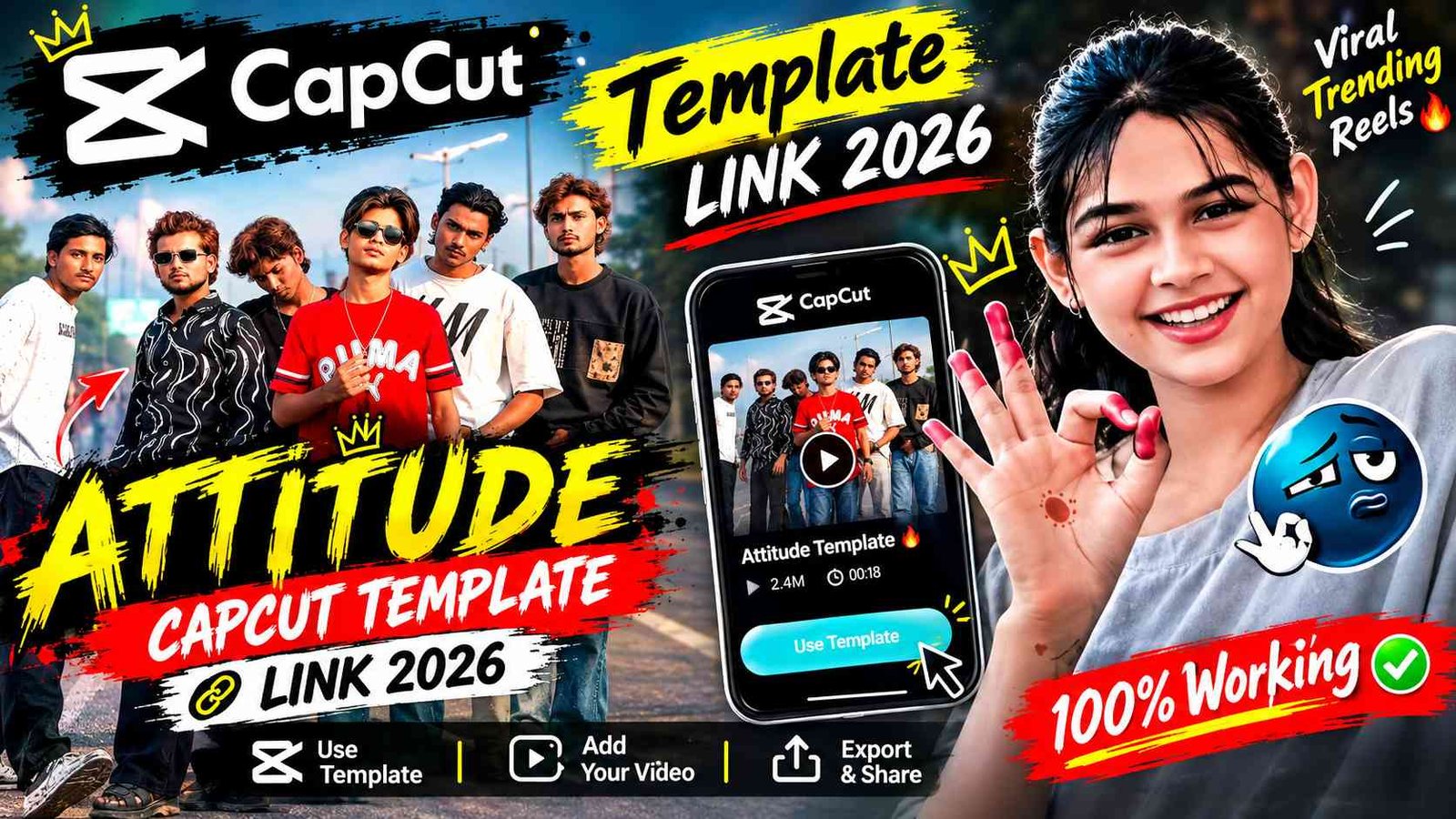
- Screen ke bottom right corner me diye gaye Use Template button par tap karein.
- CapCut engine instant device gallery access mangega. Template ki requirement ke according predefined photo ya video length identify karein.
- Apne raw recorded videos ko slot-by-slot sequence me select karein aur Next / Preview par click karein. CapCut processing engine clips ko timeline par automatically match, trim aur speed sync kar dega.
Step 3: In-App Framing Adjustment
Automatic cuts complete hone ke baad har clip thumbnail par tap karke verify karein:
- Agar face ya main subject cut off ho raha ho, toh Edit / Crop button use karke subject ko frame ke golden points par re-align karein.
- Agar koi specific clip slow lag rahi ho, toh batch replace option se high-motion alternate b-roll select karein.
Pro Strategy: Video Ko Unique Aur High Quality Banane Ke Steps
Google AdSense quality guidelines aur social media duplicate content penalty se bachne ke liye plain template exports rely mat kijiye. Template processing ke baad video ko professional touch dena bohot zaroori hai:
Custom Colour Grading Pipeline
Raw mobile footage flat lagte hain. Template apply karne ke baad manually Adjust panel open karein aur ye specific base numbers configure karein:
- Brightness: -3 to -6 (Deep contrast texture maintain karne ke liye)
- Contrast: +8 to +12 (Punchy deep shadows add karne ke liye)
- Saturation: +4 to +7 (Natural skin tones ko preserve karte hue vibrant colours boost karein)
- Sharpen: +18 to +25 (Social media compression algorithm face blur na kare)
- Highlights: -10 (Over-exposed skies aur light flares control karne ke liye)
- Shadows: +5 (Dark areas me lost dynamic details recover karne ke liye)
Smart Grain Aur Vintage Texture Layering
Video par soft Film Grain (3% to 5%) apply karne se visual data digital look se switch hokar professional cinematic reel me convert ho jata hai. Ye minimal digital noise Instagram ke aggressive video compression engine ko fool karta hai, jisse platform upload hone ke baad frame details ko scrub ya smush nahi karta.
Best Export Settings for 4K Crisp Upload Quality
Bahut se creators complain karte hain ki CapCut me video crystal clear dikhti hai lekin Instagram par upload hote hi pixelated ho jati hai. Iska direct solution hai aapka hardware export pipeline:
- Resolution Slider: Hamesha 1080p select karein. (Instagram 4K clips ko forcefully aggressively compress karta hai, i jisse stutter aur distortion create hota hai; native 1080p upload clean rehta hai).
- Frame Rate: Set at 60 FPS (Agar aapki footage 60fps me recorded hai toh transitions ultra-smooth render honge).
- Code Rate (Bitrate): Isse Higher ya Recommended slider par lock karein.
- Export Action: Direct save karne ke bajaye Export without watermark choose karein taaki platform algorithm third-party branding detect karke reach throttle na kare.
Bonus Tip: Custom Audio Re-timing Workflow
Agar aap trending template ki visuals layout ko kisi regional Indian viral track ya indie beat par fit karna chahte hain, toh template export ke baad ek naya empty project banayein. Us rendered video ko timeline par drop karein, audio extract karein aur video ko 0.9x ya 1.1x speed curve dekar beats ke exact drops par manual cut points mark (Match Cut Beats) karein. Ye subtle variation aapki reel ko lakho generic template copies se alag ek completely fresh aur original piece bana deta hai.
Conclusion
CapCut Trending Template 2026 short-form creators ke liye ek ultra-fast accelerator hai jo complex motion graphic design ko zero friction par le aata hai. Lekin real digital growth tab milti hai jab aap automated templates ke sath proper framing, safe zone awareness, aur manual colour balance combine karte hain. Official templates download karein, practical steps implement karein, aur consistent high-retention video production maintain karein.