Social media par agar aapko jaldi grow karna hai, toh short-form video content sabse powerful medium ban chuka hai. 2026 mein Instagram Reels aur YouTube Shorts ka algorithm text ya simple videos se zyada high-retention cinematic visual content ko promote kar raha hai. Pehle ek cinematic video banane ke liye heavy camera setup, studio lights aur expensive actors ki zarurat padti thi. Aaj ke digital daur mein aap apni normal photo se trending AI reel create kar sakte hain, wo bhi bina kisi advanced VFX knowledge ke.
Is complete step-by-step master guide mein hum seekhenge ki kaise aap professional tools, specific workflow aur rayedits.in ke custom prompts ki madad se viral quality AI reels generate kar sakte hain. Agar aap ek beginner hain aur pehli baar AI editing try kar rahe hain, toh yeh article aapke liye perfect blueprint hone wala hai.
1. Photo Se AI Reel Banane Ka Concept Kya Hai?
Bahut se creators sochte hain ki AI video editing ka matlab sirf ek photo par zoom-in effect laga dena hai. Aisa bilkul nahi hai. Modern Generative AI video technology aapke 2D reference photo ke facial landmarks, lighting highlights, skin tones aur body posture ko scan karti hai. Uske baad yeh deep learning models ek target video clip ke andar realistic motion inject kar dete hain jismein aapke face aur outfit ki complete mapping hoti hai.
Jab aap kisi trending character-swap ya cinematic motion model par high-resolution images aur structured prompts inject karte hain, toh visual consistency 100% natural lagti hai. Yahi reason hai ki viewers reel ko end tak dekhte hain, jisse Watch Time aur Audience Retention boost hota hai aur video naturally Explore page par viral ho jati hai.
2. Best Resolution Aur Base Image Selection Kaise Karein?
AI engine ka output directly is baat par depend karta hai ki aapka input data kaisa hai. Agar aap blurry ya low-light photo upload karenge, toh generated AI reel mein warping aur distortion dekhne ko milega.
- Clear Facial Details: Hamesha front-facing portrait shots use karein jismein subject ke eyes, nose, aur jawline clearly visible hon.
- Neutral Lighting: Harsh shadows ya backlight wali photos ko avoid karein. Soft daylight ya ring light shots AI recognition ke liye best hote hain.
- Aspect Ratio: Hamesha 9:16 vertical ratio mein framing rakhein taaki reel ke full-screen canvas par subject perfectly align ho sake.
- High Pixel Density: Minimum 1080p ya 4K enhanced image export karein. Aap upscale tools ka use karke base photo ko sharp kar sakte hain.
3. Step-by-Step Workflow: Google AI Flow Par Video Generate Karna
Ab baat karte hain main process ki jahan hum Google AI Flow platform ka use karenge. Yeh cloud-based rendering platform multi-character replacement aur realistic physics mapping ke liye jana jata hai.
Step 1: Platform Setup Aur Asset Upload
- Sabse pehle apne desktop ya mobile browser par Google AI Flow ka official portal open karein.
- Apni dashboard par Create Project select karein aur reference original video file upload karein jiska visual flow aap recreate karna chahte hain.
- Ab reference slots (Image 1, Image 2, Image 3) mein apni high-quality photos upload karein jinhe aap video ke characters ke sath replace karna chahte hain.
Step 2: Official Prompt Copy Karein (From rayedits.in)
AI models bina detailed command ke realistic output nahi de pate. Is generation ke liye jo master script chahiye, wo hamari official website rayedits. inin par available hai. Aap seedhe rayedits.in par jakar is official prompt ko one-click mein copy kar sakte hain:
Official Master Prompt (Source: rayedits.in):
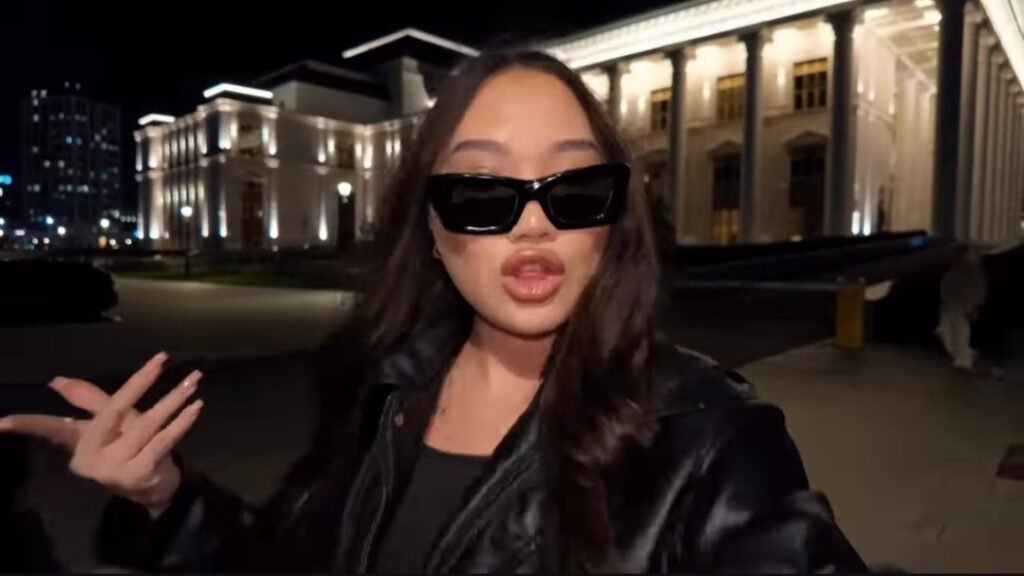
Swap the characters in the original video with the reference persons from the provided images. Replace Character 1 with the person from Image 1, Character 2 with the person from Image 2, and Character 3 with the person from Image 3. Each character’s face, body, skin tone, facial features, hair, and overall physical appearance must be an exact 1:1 match to their respective reference images – do not alter, modify, or reinterpret any physical trait. The identity of each person must be preserved with complete accuracy as shown in the reference images. Replace the outfits of each character entirely with the clothing shown in their respective reference images. Preserve every detail of the outfit including fabric texture, color, cut, styling, accessories, and garment fit exactly as seen in the reference images. The original video’s costumes must be completely replaced. Preserve all facial expressions, body movements, gestures, poses, camera angles, lighting, and background exactly as they appear in the original video. Only the faces, physical identity, and outfits of the characters should change. Everything else motion, timing, scene composition, and environment – must remain 100% identical to the source video. Remove all text, watermarks, logos, subtitles, and overlays present in the original video. The final output must be completely clean with no text or graphics visible anywhere in the frame.
Aise hi naye trending AI prompts aur editing resources regular download karne ke liye aap hamari official website rayedits.in ko bookmark karke rakh sakte hain.
Step 3: Generation Aur Quality Review
Prompt paste karne ke baad render pipeline start karein. AI model original video ke motion vectors aur aapki reference images ke beech exact pixel synthesis run karega. Rendering complete hone ke baad video ko preview karein aur 1080p full HD mein export kar lein.
4. Post-Production: Third-Party Editing Apps Se Quality Enhance Karein
Direct AI export visually solid hota hai, lekin use organic look dene ke liye post-processing behad zaroori hai. Raw AI video thodi flat ya over-smoothed lag sakti hai. Isko professional touch dene ke liye aap CapCut, VN Editor ya Premiere Rush jaise third-party apps ka use kar sakte hain.
Professional Editing Checklist:
- Micro-Transitions Add Karein: Jahan par beat drop ho, wahan subtle flash, dynamic zoom ya directional blur transitions lagayein. Yeh video ki pace ko fast banata hai.
- Colour Grading &LUTt Adjustment:
- Contrast: +5% se +8% increase karein deep shadows ke liye.
- Saturation: +4% boost karein natural skin pop ke liye.
- Sharpening: +15% apply karein taaki compression ke baad bhi video crisp dikhe.
- Film Grain Overlay: AI video ke plastic look ko hatane ke liye 3% to 5% subtle 35mm film grain overlay blend karein. Isse reel cinematic feature film jaisi lagne lagti hai.
- Audio Engineering: Trend kar rahe audio tracks choose karein. SFX (whoosh, riser, cinematic boom) ko visual movement ke sath frame-by-frame sync karein.
5. Bonus Tip: Algorithm Hacking Aur Engagement Optimisation
Sirf achhi video banana kaafi nahi hota; platform ke distribution parameters ko leverage karna zaroori hai.
- 3-Second Hook Rule: Reel ke shuruati teen seconds mein sabse striking frame ya unexpected transition place karein. Viewers ka thumb rukna chahiye.
- Seamless Looping: Video ke last frame ko first frame ke movement se match karein. Jab video bina pata chale dobara play hone lagti hai, toh Watch Time metrics 100% cross kar jaate hain, jo algorithm ko viral push karne par majboor karta hai.
- Keyword-Optimized Captions: Reel description mein vague captions ki jagah natural keywords use karein, jaise “Trending AI Reel Tutorial”, “Photo to AI Video”, taaki video explore search aur recommended tabs dono mein surface ho sake.
6. Real-Time Application & Creative Formats
Aap is specific workflow aur rayedits.in par milne wale prompt system ko alag-alag content buckets mein apply kar sakte hain:
| Format Type | Concept Execution | Expected Audience Appeal |
| Cinematic Storytelling | Single reference photo se historical ya futuristic action scenes create karna | High visual curiosity aur strong comment engagement |
| Trend Transformation | Normal selfie ko red-carpet ya runway outfits mein swap karna | Fashion aur lifestyle audience ke beech wide shareability |
| Couple & Duo Edits | Multi-character replacement command use karke cinematic dance reels banana | High saves aur personal DM shares |
Conclusion
Creative consistency aur structured workflows hi ek ordinary creator ko pro digital artist banate hain. AI tools aapke technical barrier ko khatam kar chuke hain, isliye experimentation continue rakhein, daily trend patterns ko observe karein aur unique prompts ke sath apni editing library build karein.