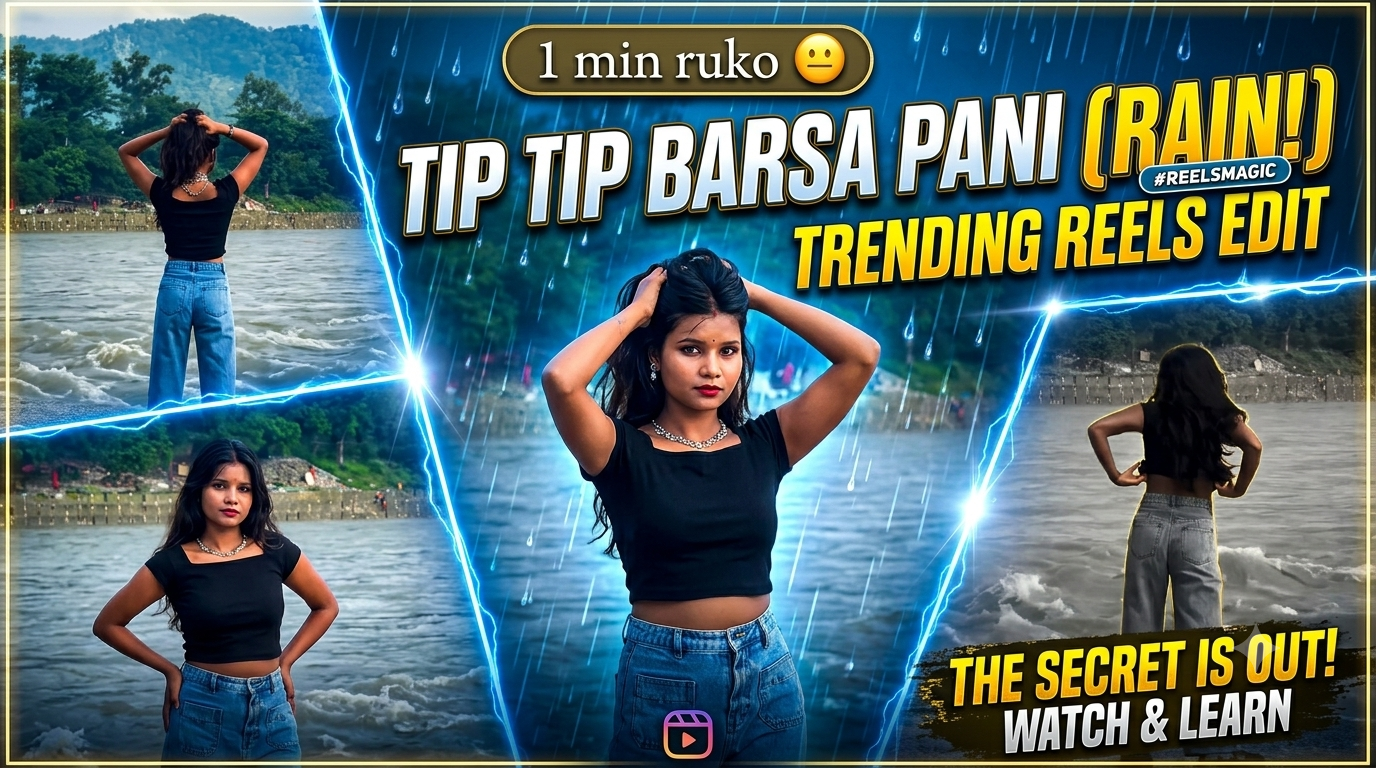
Tip Tip Barsa Paani CapCut Template 2026 | Girls Walking CapCut Template
Social media par trending content banana aaj ke time par sirf ek hobby nahi, balki audience build karne ka sabse fast rasta ban chuka hai. Agar aap Instagram Reels, YouTube Shorts ya TikTok par active hain, toh aapne notice kiya hoga ki kuch audio tracks aur visual styles hamesha viral list mein bane rehte hain. Aisa hi ek timeless Bollywood track hai Tip Tip Barsa Paani, jiska 2026 dynamic beat-sync aur slow-motion aesthetic version currently internet par dhoom macha raha hai.
Iske sath combine ho chuka hai Girls Walking CapCut Template, jisme slow-motion walk, cinematic blur, lens flare aur dynamic beat transitions ka ek behad stylish combination milta hai. Jab retro music ka modern cinematic treatment hota hai, toh audience retention rate automatic double ho jata hai. Agar aap bhi is trend ka hissa banna chahte hain aur apni normal raw clips ko ek professional short-form masterpiece mein convert karna chahte hain, toh yeh complete practical guide aapke liye hi design ki gayi hai.
Yeh Trend Aakhir Itna Viral Kyun Chal Raha Hai?
Kisi bhi video editing workflow ko samajhne se pehle yeh jan-na zaroori hai ki content consume karne wali audience ko kya pasand aa raha hai. Short-form video algorithms ka primary focus Average View Duration (AVD) aur Watch Time par hota hai.
Is specific trend ke viral hone ke pichhe 3 main visual aur technical reasons hain:
- Nostalgia aur Modern Sound Ka Perfect Blend: Bollywood ka iconic beat jab modern 808 bass aur trap hi-hats ke sath sync hota hai, toh viewers scroll karte waqt turant stop ho jate hain.
- Cinematic Slow-Motion Walk Effect: Walk-in shots hamesha se visual authority aur confidence depict karte hain. Jab chalne ki movement audio ke heavy beats par slow aur fast (speed ramp) hoti hai, toh visual impact create hota hai.
- Effortless Production: Manual editing mein ghanto ki keyframing, velocity curve adjusting aur beat markers lagane padte hain. Yeh template in sabhi complex steps ko single-click automation mein convert kar deta hai.
Editing Shuru Karne Se Pehle Essential Requirements
Is template ko seamlessly apply karne aur ek professional export nikalne ke liye aapko kuch basic digital tools aur footage preparation ki zarurat hogi. Kisi bhi step mein error se bachne ke liye ye basic setup pehle hi ready kar lein:
1. Stable Internet aur CapCut App Update
Aapke phone mein CapCut ka latest official version install hona chahiye. Purane versions mein naye motion blur aur AI-based velocity transitions crash ho sakte hain. Smooth template rendering ke liye aapka internet connection stable hona zaroori hai.
2. High-Frame-Rate Raw Footage (60 FPS Recommended)
Koshish karein ki aap jo walk clip shoot karein woh 1080p ya 4K at 60 FPS par recorded ho. High frame rate hone se jab template auto-slowdown apply karega, toh video bilkul smooth lagegi aur koi frame stuttering ya jerk nahi aayega.
3. Clean Background aur Natural Lighting
Girls Walking style template open outdoor locations, city streets, aesthetic cafes ya soft golden-hour lighting mein sabse best perform karta hai. Background jitna cinematic hoga, visual output utna hi appealing banega.
Step-by-Step Guide: Template Download Aur Apply Karne Ka Asaan Tarika
Ab aate hain core practical process par. Is streamlined workflow ko follow karke aap bina kisi visual glitch ke apni clip ko render kar sakte hain.
Step 1: Official Website Se Template Access Karein
Sabse pehle apne smartphone ke mobile browser ko open karein aur hamari official website rayedits.In par visit karein. Search bar mein type karein “Tip Tip Barsa Paani Capcut Template 2026” ya “Girls Walking Capcut Template”. Yahan aapko direct template link aur official QR code preview mil jayega.
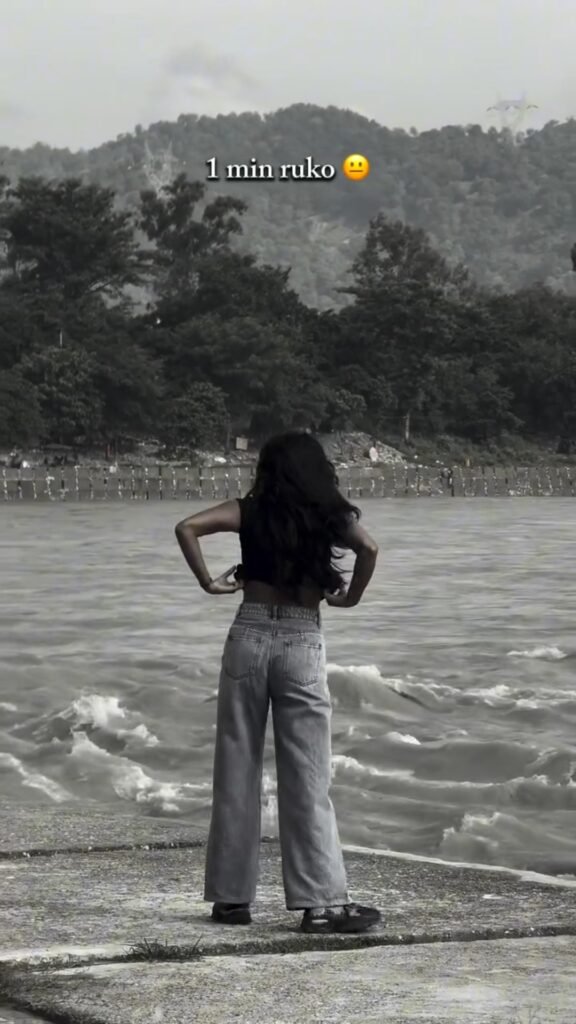
Step 2: Mobile Phone Se Template QR Code Scan Karein
Agar aap laptop ya desktop par website access kar rahe hain, toh website screen par show ho rahe specific QR code ko apne mobile camera ya Google Lens se scan karein. Scan hote hi screen par ek pop-up redirect notification dikhega jo directly CapCut application interface ko trigger karega. Mobile browser ke direct link button par click karke bhi aap seedhe CapCut app ke preview window par navigate kar sakte hain.
Step 3: Template Preview Aur Clip Selection
CapCut app open hote hi screen par template ka live preview play hoga. Bottom right corner par diye gaye green Use Template button par tap karein. Ab aapka phone gallery folder open ho jayega. Apni gallery se apni best walking video clip ko select karein aur niche diye gaye Preview button par click karein.
Step 4: Automatic Beat Syncing Aur Timeline Processing
CapCut ka automated engine processing shuru karega. Kuch hi seconds ke andar audio beats ke accordance clip trim ho jayegi, speed ramp velocity curves automatically apply ho jayenge, aur flash effects background score ke sath lock ho jayenge.
Post-Template Customisation: Colour Grading Aur Visual Polish
Template lagane ke baad seedhe video post karna beginners ki sabse aam aadat hoti hai. Agar aapko apni profile ko high-end aesthetic brand banana hai, toh rendering se pehle halka sa manual touch zaroor add karein.
Exposure Aur Contrast Balance
Video preview timeline par tap karein aur CapCut ke Adjust panel par move karein:
- Brightness: Agar video outdoor daylight mein hai, toh brightness ko -5 par halka pull karein taaki highlights blow out na hon.
- Contrast: Punchy depth pane ke liye contrast ko +8 se +12 ke beech adjust karein.
- Saturation: Colours ko natural rakhne ke liye saturation ko sirf +5 badhayein taaki skin tone orange na dikhe.
Moody Tones Ke Liye HSL Settings
HSL tool mein jakar Green aur Yellow hues ki saturation ko thoda kam karein aur Orange hue ke luminance ko thoda increase karein. Isse subject ka chehra glow karega jabki background muted aur aesthetic cinematic tone adopt karega.
Export Settings: Reel/Shorts Ke Liye Best Quality Parameters
Bahut baar creators high-quality video shoot karte hain, lekin export ke dauran galat bit rate aur resolution choose karne ki wajah se Instagram ya YouTube compression algorithm unki video blur kar deta hai. Crisp export ke liye in exact values ko select karein:
| Setting Parameter | Recommended Value | Reason |
| Resolution | 1080p (FHD) | Social media platform algorithms 4K ko heavy compress karte hain, jabki 1080p bina compression smooth play hota hai. |
| Frame Rate | 30 FPS ya 60 FPS | Agar video mein bohot smooth slow motion hai toh 60 FPS rakhein, standard playback ke liye 30 FPS ideal hai. |
| Bit Rate / Codec | Higher / Standard | Clear details retain karne ke liye bit rate slider ko hamesha “Recommended” ya “Higher” standard par set karein. |
Export screen par Export without Watermark option select karein taaki corner se CapCut logo clean remove ho jaye.
Bonus Tip: Custom Audio Pitching Aur Sound Design Hack
Ek smart editing secret jo top creators follow karte hain: agar official template ka audio Instagram par copyright strike ya mute hone ka darr ho, toh audio track ko export ke baad manually sync karein.
Video ko mute karke export karein, aur Instagram Reels section mein upload karte waqt original Trending Audio Library se “Tip Tip Barsa Paani” ka official audio tag attach karein. Is technique se do bade fayde milte hain: pehla, aapki video trending audio page ki feed mein list hoti hai, aur doosra, platform compression se audio quality drop nahi hoti.
Conclusion
Digital content creation mein consistent rehna aur sahi waqt par right tools ka istemal karna sabse important skill hai. rayedits.in se directly template grab karke, accurate walking footage add karke aur light colour adjustments ke sath aap minutes mein viral-ready cinematic reels produce kar sakte hain. Apne phone se step-by-step experiment karein, visuals refine karein aur confidence ke sath publishing start karein.