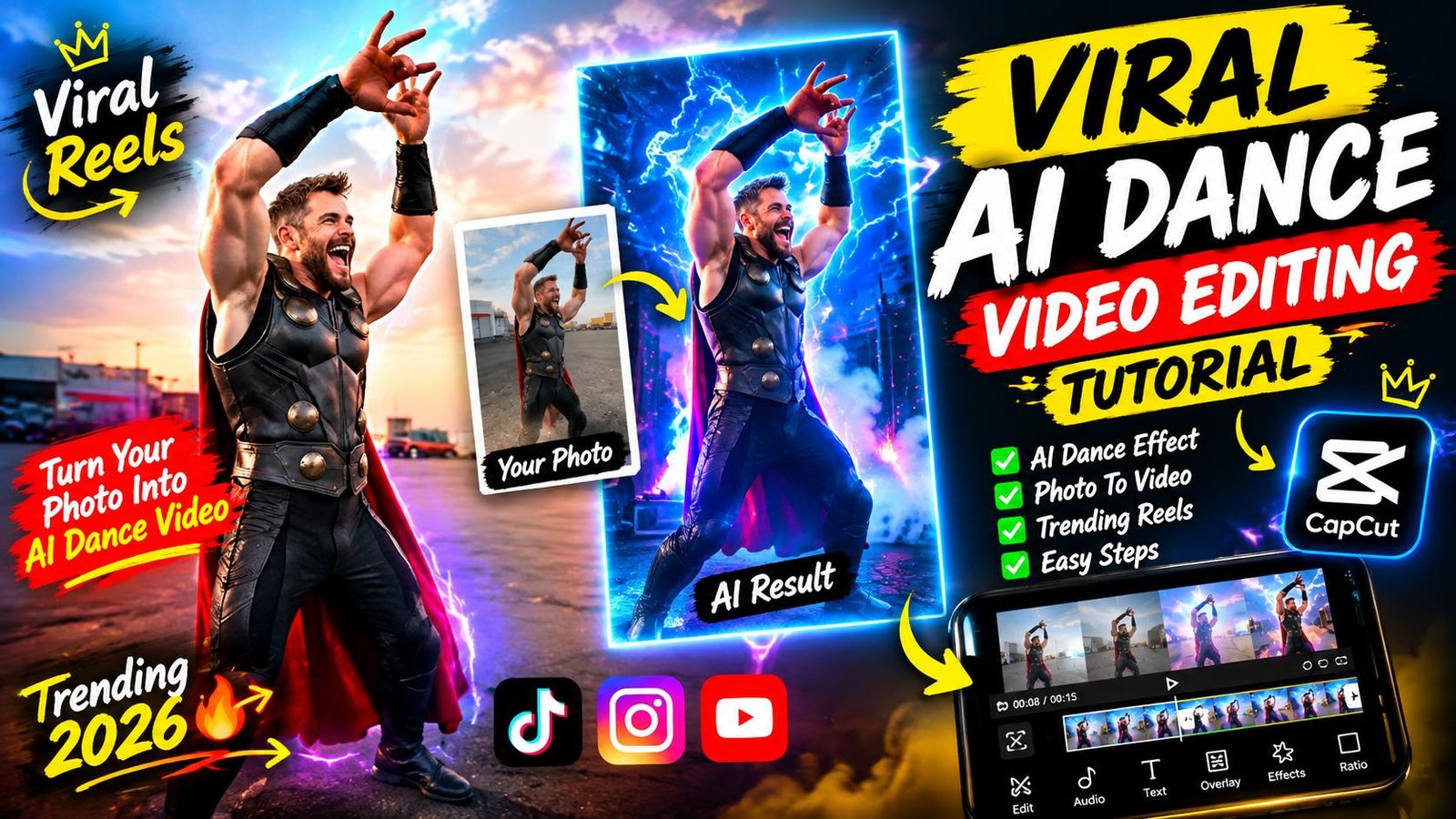
Instagram Viral AI Dance Video Prompt | Flow AI Viral Video Prompt 2026
Aaj ke digital era mein short-form content jaise Instagram Reels aur YouTube Shorts par reach paane ka sabse fastest zariya ban chuka hai AI Video Generation. Pichhle kuch mahino mein aapne ek khas trend dekha hoga jahan multi-character dancing clips, dynamic camera movements aur smooth face replacement ke sath videos millions of views cross kar rahi hain. Aisi cinematic aur ultra-realistic videos create karne ke liye creators ab Google AI Flow video generator ka use kar rahe hain.
Lekin kya aapko pata hai ki aisi videos bina advanced VFX tools ke kaise banti hain? Iska real secret hidden hota hai ek structured Flow AI video prompt aur reference tracking mein. Agar aap bhi beginner hain aur bina kisi technical background ke aisi trending reels banana chahte hain, toh yeh complete step-by-step blueprint aapke liye hai. Hum yahan explain karenge ki kaise ek reference video ki body rhythm aur camera tracking ko replicate karke bilkul naya cinematic masterpiece generate kiya jata hai.
Google Flow AI Kya Hai Aur Yeh Trend Kyun Viral Ho Raha Hai?
Google Flow AI ek next-generation visual video engine hai jo advanced neural motion tracking par kaam karta hai. Pehle ke AI generators ke sath problem yeh thi ki character ke haath-pair distort ho jate the ya phir face bar-bar flicker karta tha.
Is naye AI architecture ki sabse badi power hai iska Motion Lock Engine. Yeh tool reference video ke har single movement, dynamic shake aur camera cut points ko scan kar leta hai. Iska result yeh hota hai ki aap kisi bhi viral dance video ka motion clone kar sakte hain aur usme apne pasandeeda models, superheroes ya custom images seamlessly swap kar sakte hain.
Jab creators aisi unexpected multi-character reels post karte hain—jisme dynamic angles, sudden 180-degree transitions aur photorealistic textures hote hain—toh audience retention 90% se upar chali jati hai. Instagram ka algorithm high watch time dekhte hi reels ko explore page par push kar deta hai.
Viral AI Reel Ka Breakdown: Reference Video Concept
Viral videos banane se pehle unka visual structure samajhna sabse zaruri step hota hai. Agar aap reference video ko dhyan se dekhein toh isme screen presence teen main hisson mein bati hoti hai:
1. The Opening Dancer Phase
Video ki shuruaat ek energetic dance move ke sath hoti hai jahan subject main camera frame mein perform karta hai. Yahan camera ka distance aur natural light exposure mein impact create karta hai.
2. The Dynamic 180° Camera Operator Selfie Turn
Dance ke peak moment par camera operator sudden whip-pan karta hai aur khud ki taraf camera ghuma leta hai. Yeh handheld selfie view video ko natural authenticity aur realistic vibe deta hai.
3. The Passenger Entry Aur Grand Frame
Last section mein camera wapas car ki taraf turn hota hai jahan background mein khadi luxury car se ek stylish passenger step out karta hai aur frame mein walk-in karta hai.
Jab yeh teeno dynamic shifts 10 se 15 seconds ke format mein pack hote hain, toh viewer scroll karna bhool jata hai. Isi specific choreography ko Flow AI ke andar execute karne ke liye detailed prompt likha jata hai.
The Master Flow AI Viral Video Prompt 2026
AI ko command dete waqt sabse bada rule yeh hota hai ki aapka visual instruction crystal clear hona chahiye. Niche diya gaya prompt motion, camera tracking aur character allocation ko alag-alag layers mein divide karta hai
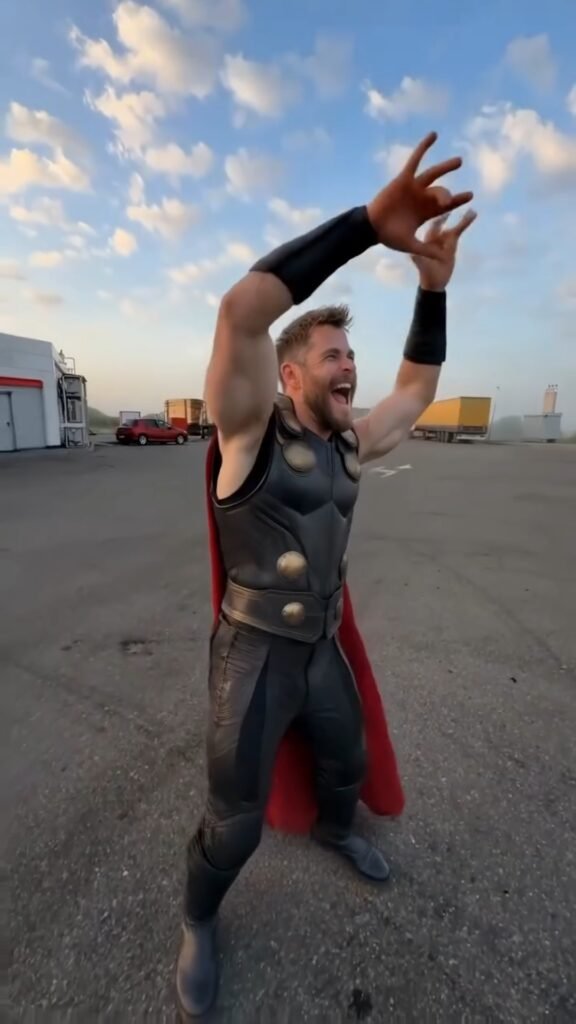
Recreate the uploaded reference video EXACTLY, shot for shot, as a new photorealistic vertical 9:16 video. MOTION LOCK (from reference video): Copy every movement from the reference video exactly — the same dance steps, arm and body movements, hand gestures, walking path, timing and rhythm. Copy the exact camera path: same handheld shake, same pans, same whip-pans, same 180° selfie rotations, same framing and cut points. Do not add, remove or change any movement. Use the reference video ONLY for motion, camera and timing — do NOT copy any face, clothing or texture from it. CHARACTER REPLACEMENT (from reference images): – Reference image 1 = THE DANCER. Replace the dancing man in the video with this person. He appears ONLY in the opening dance, performing the exact same dance moves. He never holds the phone and never appears in any selfie shot. – Reference image 2 = THE CAMERA OPERATOR. He holds the phone for the entire video. Every time the camera turns around into selfie view (the first selfie turn AND the final selfie), the face shown MUST be this person, with the same expressions and movements as in the video. – Reference image 3 = THE PASSENGER. Replace the man who steps out of the parked car with this person. He gets out and walks toward the camera exactly as in the video, and stands in the background during the final selfie. He never holds the phone.
Aap is official prompt aur high-definition reference assets ko direct hamari official website rayedits. in se copy kar sakte hain, in se copy kar sakte hain, jahan hum daily trending editing resources update karte hain.
Step-by-Step Guide: Google AI Flow Se Video Kaise Banayein
Beginners aksar prompt dalne ke sequencing mein confuse ho jate hain. Is clean step-by-step checklist ko follow karein:
Step 1: High-Quality Reference Video Aur Images Ready Karein
Sabse pehle ek high-resolution 9:16 vertical video select karein jiska camera motion stable ho. Iske baad teen alag-alag character reference images arrange karein. Dhyan rahe ki images front-facing hon, lighting clean ho aur background neutral ho taaki AI ko feature mapping mein clarity mile.
Step 2: Reference File Upload Aur Motion Lock Parameter Set Karein
Flow AI interface open karke reference video ko tracking box mein upload karein. Settings mein jakar Motion Tracking Lock ko high priority par toggle karein. Isse AI video ke core camera path aur handheld shakes ko preserve rakhega.
Step 3: Reference Image Slot Allocation
AI tool ke character replacement panel mein systematically teen images drop karein:
- Slot 1 (The Dancer): Opening sequence character ke liye image set karein.
- Slot 2 (The Camera Operator): Phone hold karne wale person ke liye image attach karein.
- Slot 3 (The Passenger): Car se exit lene wale subject ke liye image assign karein.
Step 4: Prompt Insertion Aur Aspect Ratio Optimisation
Copy kiye hue master prompt ko input terminal mein paste karein. Output settings ko 9:16 aspect ratio, Photorealistic lighting preset, aur frame rate ko minimum 30fps ya 60fps par set karein.
Step 5: Video Render Aur Output Review
Generate button click karein. Initial rendering complete hone ke baad video ko play karke check karein ki transition points par face flickering ya clothing blend issues toh nahi hain.
Professional Post-Processing Workflow
AI generator se direct download kiye hue raw outputs mein aksar natural cinematic depth missing hoti hai. Professional creators video export karne ke baad CapCut ya VN Video Editor mein yeh modifications karte hain:
1. Motion Blur Injection
AI render ke rapid pans aur whip-turns par light optical motion blur add karein. Is se sudden camera shifts ultra-smooth dikhte hain aur digital stiffness khatam ho jati hai.
2. Micro-Color Correction (LUT Grading)
Contrast ko +5 increase karein, highlights ko halka compress karein aur warm film LUT apply karein. Natural film grain (1% se 2%) add karne se video AI-generated lagne ke bajaye real smartphone camera se shoot ki hui feel deti hai.
3. Audio Synchronisation
Reels ki success ka 50% hissa audio par depend karta hai. Original reference video ke trending bass beat ko reel ke whip-pan aur dance movement ke cut-points par bilkul frame-by-frame match karein.
Bonus Editing Trick: Photorealistic Edge Lighting Hack
Agar aap chahte hain ki aapki video bilkul 100% natural lage aur viewers ko yeh pata hi na chale ki yeh AI se bani hai, toh CapCut ya Premiere Pro mein ek simple trick use karein:
Video ko export karne ke baad ek secondary adjustment layer lagayein. Background sky ya ambient lighting ke according ek soft Edge Glow / Lens Flare effect add karein jo character ke baalon aur shoulder edges par faint highlight create kare. Jab virtual model par environmental lighting match ho jati hai, tab video ki photorealism next level par pahunch jati hai.
Conclusion
AI video production tools ne content creation ke pure game ko transform kar diya hai. Sahi prompts aur structured reference mapping ka use karke koi bhi beginner viral-ready, high-retention content create kar sakta hai. Abhi rayedits.in par jakar prompt copy karein, alag-alag character sets ke sath experiment karein, aur apni storytelling skills ko polish karein. Consistent practice hi aapko digital space mein ek standard creator banayegi.